

We aim to make mealtimes a positive part of your stay, with meals that are safe, nutritious and suited to your needs, across our acute, subacute, residential aged care and major trauma services.
Our meals and menu
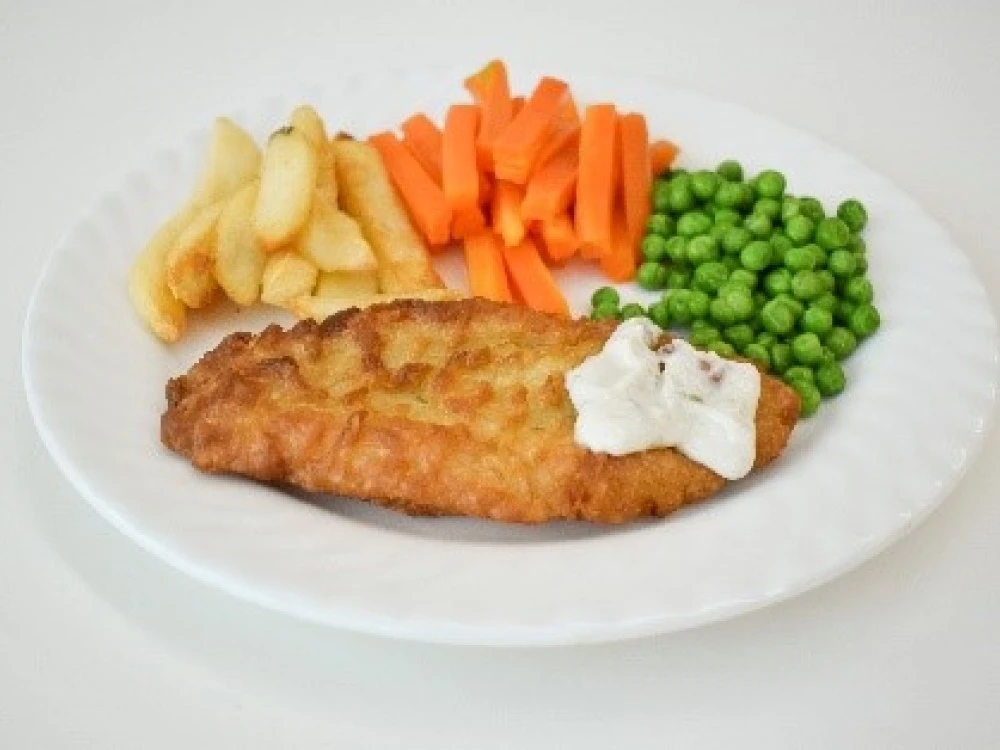
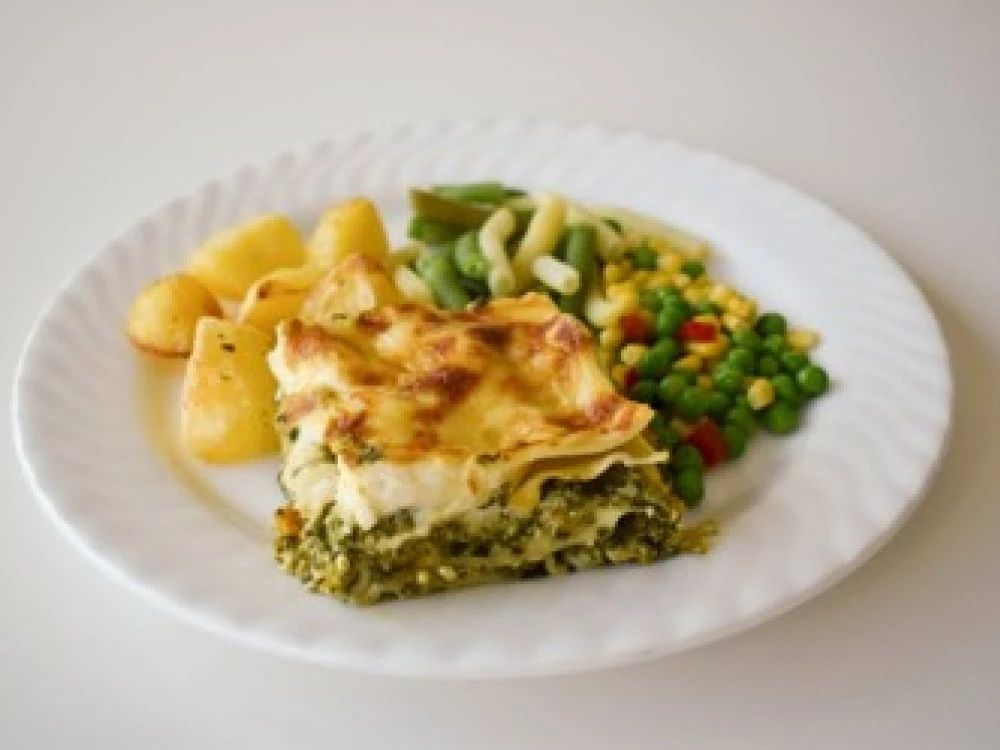
We offer a 2-week rotating menu with a range of meal choices to suit different tastes and dietary needs.
We use a cook-chill service, which means many main meals are prepared by specialist food suppliers, delivered to the hospital and safely reheated before they are served.
Our menu gives you flexibility and choice in choosing your main meals. Tea, coffee and biscuits are available for morning tea and supper.
Hospital mealtimes
We provide 3 main meals and 2 to 3 mid-meals each day at approximately:
- Breakfast – 7:00am to 8:30am
- Morning tea – 10:00am to 10:50am
- Lunch – 11:30am to 1:00pm
- Afternoon tea (Royal Park only) – 2:00pm to 2:30pm
- Dinner – 4:30pm to 6:00pm
- Supper – 7:15pm to 8:00pm
Ordering your meals
You can order main meals:
- with a Menu Monitor (staff member) the day before
- through our patient meal ordering app (CBORD Patient portal) up to 2 hours before each meal
You can order or change a main meal before:
- 6am for breakfast at the RMH Parkville (or 7pm the evening before for breakfast at the RMH Royal Park)
- 10am for lunch
- 3pm for dinner
For safety, any existing meal orders are automatically cancelled once you're placed on fasting instructions. This is to prevent you from being given food or drinks that may not be allowed.
Once your fasting period ends, you can place a new order through the app if ordering is still open.
In some areas, our team also runs additional menu rounds for patients who have been fasting.
How to order through the app
Get the app from the App Store or Google Play, or use your browser to access the CBORD Patient portal.
To order through the app, you'll need:
- The facility ID: rmh
- Your date of birth (DD/MM/YYYY)
- Your patient ID number from your ID band
Registration is not required. Select 'Skip' in the top-right corner when you get to the 'Create a password' screen.
See the following video and brochure for more information on how to log in and order meals with the CBORD Patient app:
How to use CBORD Patient to order meals during your stay at the RMH.
[Music]
While you are being cared for at the Royal Melbourne Hospital, you can choose what you will eat from our electronic menu.
Our Food Services team can help to take your order, order or you can order meals for yourself using our CBORD Patient app.
The app can be used by you, or your family and friends can help order for you. You'll be able to choose from food items that your care team has checked are right for you to help with your treatment and recovery.
The CBORD Patient app is available to download on Google Play or the App Store. Or you can access it on your web browser at patient.cbord.com
When you open the app for the first time, select ‘Create an account’ and follow the steps.
The facility ID is ‘rmh’.
Your date of birth needs to be entered: the day, the month and then year.
Your UR number can be found on your wristband, or ask your care team to help you find this.
You can create an account by setting a password. This allows you to log in again with these details each time. If you don't think you'll use the app again, just select ‘Skip’.
There are many meal options to choose from so it may take a moment for your menu to load. Select 'Today' and 'Tomorrow' and browse through the meals and food categories to see what's on offer.
Select ‘Categories’ to see the range of items that can be ordered. To order an item, select ‘Add to order’.
If you change your mind, click the red 'Remove' button.
Select all the items you wish to order, then go to order summary to confirm your order before placing it.
Some other useful tips:
- If you change your mind, you can cancel your order and reorder what you would like.
- You can make your selections or change your menu up to 2 hours before the meal, even if you have met with our Menu Monitor. Just ensure orders are placed before the listed cut-off time.
If you need more information, please speak to the ward staff.
[Music]
[Text on screen:]
Reminders:
- App name: CBORD Patient from Google Play and Apple App Store
- Facility ID: rmh
- Date of birth order: Day, Month, Year
- UR number: Wristband, or ask care team
- To cancel an order: Click ‘Cancel order’ to start again
Your food preferences
All menu items have been carefully reviewed by our dietitians to make sure the choices available:
- suit your nutritional needs
- meet your dietary requirements
- support your treatment and recovery
Tell your nurse if you have any special dietary requirements, allergies or food preferences. See What you should tell us.
Items not available in your menu?
Some menu items may not be available to order because of your prescribed diet, allergies or medical treatment.
The app only shows foods and drinks that are suitable and safe for you.
Bringing food from home
If you'd like to bring in food prepared at home, speak to the ward nurse, dietitian or speech pathologist first.
Food from home may not always be suitable for your medical condition, increased risk of infection or swallowing problems.
Make sure any food brought in is prepared, stored and transported safely and hygienically.
Raise a concern or issue
If you have a concern about your meal that needs immediate attention, speak with your nurse. This is the fastest way to resolve issues while in hospital.
There are a few reasons why you may not receive what you ordered:
- If an item is listed on your tray ticket but missing from your tray, tell your nurse so they can contact the kitchen.
- If an item is unavailable, our Food Services team will note this on your tray ticket.
- Sometimes an item is removed if it's not suitable for your prescribed diet. If this happens, ask your nurse to check with Food Services.
- If your diet code changed after you ordered or you have been fasting for a procedure, the system may cancel your selections and provide a default meal for safety.
The app's registration and login process can sometimes be difficult to use.
If you're having trouble logging in with a username and password, we recommend using your date of birth and patient ID number instead. This gives you access to the same menu and ordering features as a registered account.
When you get to the 'Create a password' screen, select 'Skip' in the top-right corner.
Feedback on meals
We value your feedback on our meals. Complete our Meals feedback survey to tell us what you think of:
- meal quality
- menu variety
- portion sizes
- the ordering experience
- overall satisfaction
Your feedback helps us improve the quality, variety, and overall dining experience for our patients.